
Collaborative design tools are platforms that enable real-time multi-user editing, prototyping, and creative handoff across distributed design teams. The right choice between Figma, Miro, Penpot, FigJam, and Framer depends entirely on your team's size, workflow phase, and budget. Collaborative design tool comparisons matter because picking the wrong platform costs you in switching friction, broken handoffs, and wasted licenses. This guide cuts through the noise with direct feature breakdowns, pricing realities, and team-fit guidance so you can make a confident decision.
What features define the best collaborative design tools?
The best collaborative design tools share five non-negotiable capabilities. Knowing these criteria before you compare design software saves you from being swayed by marketing copy.
- Real-time multi-user editing. Multiple team members must be able to work in the same file simultaneously without version conflicts. Figma pioneered this in browser-native form, and it remains the benchmark.
- Prototyping and developer handoff. A tool that stops at static mockups forces your team to use a second platform. Look for built-in prototyping flows and inspect panels that export CSS, measurements, and assets directly to developers.
- Integrations with Slack, Notion, and Jira. Skipping tool integration is a primary cause of inefficient workflows. Your design platform must connect to where your team already communicates and tracks work.
- Pricing models and scalability. Free tiers are useful for evaluation, but check per-editor costs at your actual team size. Figma's Enterprise tier reaches $75 per editor per month, which changes the math for large organizations.
- Data sovereignty and self-hosting. Regulated industries and GDPR-sensitive teams need to know where design data lives. Self-hosting options like Penpot give you full control, but they require DevOps investment to maintain.
Pro Tip: Before trialing any tool, map your current workflow in three phases: ideation, design, and handoff. Then check whether one tool covers all three or whether a two-tool stack makes more sense for your team.
Strengths and limitations of top design collaboration platforms

The five tools that dominate collaborative design software reviews each occupy a distinct niche. Here is a direct comparison.
| Tool | Best for | Pricing (2026) | Key limitation |
|---|---|---|---|
| Figma | UI design and dev handoff | Free to $75/editor/month | Cost at enterprise scale |
| Miro | Workshops and strategy sessions | Free to custom enterprise | Not built for pixel-precise UI |
| Penpot | Budget-conscious and open-source teams | Free self-hosted; ~€10/user cloud | Performance lag at 15+ editors |
| FigJam | Lightweight ideation in Figma ecosystems | Included with Figma plans | Limited outside Figma workflows |
| Framer | Design-to-code and site publishing | $20/month Pro | Overkill for mockup-only teams |
Figma is the industry-standard UI tool with over 5 million designers and 80% of Fortune 500 design teams relying on it for real-time collaboration and dev handoff. That adoption level means your team inherits a massive plugin ecosystem, abundant templates, and a talent pool that already knows the interface. The tradeoff is cost: enterprise licensing adds up fast, and Figma's proprietary file format creates real switching costs if you ever want to leave.
Miro excels for facilitation and enterprise workshops, supporting strategy sessions, retrospectives, and roadmaps with broad team adoption across non-design roles. Product managers, engineers, and executives can all participate in a Miro board without a design background. Its weakness is precision: Miro is not the right tool for pixel-level UI work or developer handoff.
Penpot is a free self-hosted open-source tool favored by smaller teams for cost control and data sovereignty. It stores design files in SVG and CSS formats, which developers can read without proprietary viewers. The catch is performance: teams scaling beyond 15 editors experience noticeable real-time lag, and its plugin ecosystem is thin compared to Figma's.
FigJam integrates tightly with Figma for product ideation and is faster for design teams already operating in the Figma ecosystem. It is not a standalone platform worth adopting if your team does not already use Figma.
Framer provides the only design-to-code pipeline among major tools, exporting clean React code suitable for developer workflows. At $20 per month for the Pro plan, it is reasonable if you are building and deploying sites. For teams that only need mockups, it is unnecessary complexity.
Pro Tip: If your team uses Adobe XD today, note that Adobe XD users face 22% longer handoff times compared to browser-native platforms. That friction compounds across every sprint.
How to choose the right tool for your team size and workflow
Choosing between top design collaboration platforms is not about finding the objectively best tool. It is about matching the tool to your team's specific context.
Small teams and startups
Teams under ten people should start with Figma's free Starter tier or Penpot's self-hosted option. Both cover UI design and basic prototyping without upfront cost. Penpot makes sense if your team has a DevOps resource and needs GDPR compliance or budget control. Figma makes sense if you prioritize speed, polish, and a shorter learning curve.
Mid-size and enterprise teams
Teams beyond 20 people need to weigh per-editor licensing carefully. Switching costs and ecosystem size often keep larger teams with Figma despite emergent alternatives, because the reliability and resource depth outweigh occasional innovations elsewhere. For enterprise workshops and cross-functional alignment, Miro earns its place alongside Figma rather than replacing it.
Matching tools to workflow phase
- Divergent ideation phase. Use Miro or FigJam for open brainstorming, user journey mapping, and workshop facilitation. These tools prioritize speed and participation over precision.
- Convergent design phase. Move to Figma or Penpot for wireframing, component libraries, and high-fidelity mockups. This is where precision and version control matter.
- Handoff phase. Figma's inspect panel or Framer's React export handles developer handoff. Penpot's SVG output works for engineering teams comfortable with open standards.
Most mature design teams use a dual-stack approach, pairing Miro for early ideation with Figma for design precision and developer handoff. Relying on one tool for all phases creates friction because no single platform excels at both open brainstorming and pixel-precise UI work.
For teams with enterprise team building requirements, the tool selection process should also account for onboarding time, admin controls, and SSO support before committing to a license tier.
Common pitfalls when integrating design tools into existing workflows
Most tool adoption failures are not caused by bad tools. They are caused by poor integration decisions and unrealistic expectations about what one platform can do.
"The biggest mistake teams make is buying a tool for its feature list, then discovering their actual workflow requires three tools to do what they expected one to handle." This is especially true when teams skip the integration audit before purchasing.
Avoid the one-size-fits-all trap. Imposing a single tool across design, product, and engineering teams creates resentment in the groups for whom the tool is a poor fit. Engineers do not need Figma licenses. Executives do not need Framer. Match the tool to the role, not the organization.
Integrate with your communication stack. Integrating design tools with Slack and Notion reduces friction and centralizes information. Without these connections, design decisions live in one platform while project context lives in another, and your team spends time bridging the gap manually.
Balance real-time and async collaboration. Real-time editing is powerful, but not every design decision needs synchronous input. Build async review cycles into your workflow using comments, version history, and shared prototypes so that team members in different time zones can contribute without blocking progress.
Pro Tip: Before committing to any platform, run a two-week trial with your actual team on a real project. Synthetic evaluations miss the friction that only surfaces under genuine deadline pressure. Use the Stackreview tool matcher to shortlist candidates before the trial begins.
Key takeaways
The best collaborative design tool is the one that matches your team's size, workflow phase, and integration requirements. No single platform wins across all contexts.
| Point | Details |
|---|---|
| Phase-based tool selection | Use Miro for ideation, Figma for design and handoff. Forcing one tool across all phases creates friction. |
| Penpot for budget and sovereignty | Penpot is free to self-host and stores files in open SVG/CSS, but performance degrades past 15 simultaneous editors. |
| Figma's ecosystem advantage | 80% of Fortune 500 design teams use Figma. Its plugin depth and talent availability reduce onboarding time significantly. |
| Integration is non-negotiable | Connecting your design tool to Slack, Notion, and Jira is the difference between a tool that fits your workflow and one that adds overhead. |
| Switching costs are real | Ecosystem lock-in and team familiarity often outweigh the benefits of switching to a newer tool. Evaluate carefully before migrating. |
What I've learned from watching teams pick the wrong tool
I have reviewed design tool stacks for teams ranging from two-person startups to 300-person product organizations. The pattern that repeats most often is this: teams choose a tool based on a demo, not a workflow audit. A Figma demo is impressive. A Miro whiteboard looks like magic in a sales call. But neither of those experiences tells you whether the tool fits the way your team actually works under pressure.
The teams that get tool selection right do two things differently. First, they identify which workflow phase causes the most friction before they start shopping. Second, they treat the tool decision as a stack decision, not a single-platform decision. The dual-stack approach of Miro plus Figma is not a workaround. It is the mature answer for most mid-size product teams.
I am also skeptical of the instinct to chase the newest platform. Framer is genuinely interesting for design-to-code workflows, and Penpot's open-source model solves real problems for regulated industries. But for most teams, the switching costs and ecosystem depth of an established tool outweigh the novelty of an alternative. Stability and shared team knowledge compound over time in ways that a feature comparison table cannot capture.
My honest recommendation: run a real trial, not a sandbox. Put your actual team on a real project for two weeks. The friction you discover in that trial is the only data that matters.
— Alpha
Find your next design tool with Stackreview
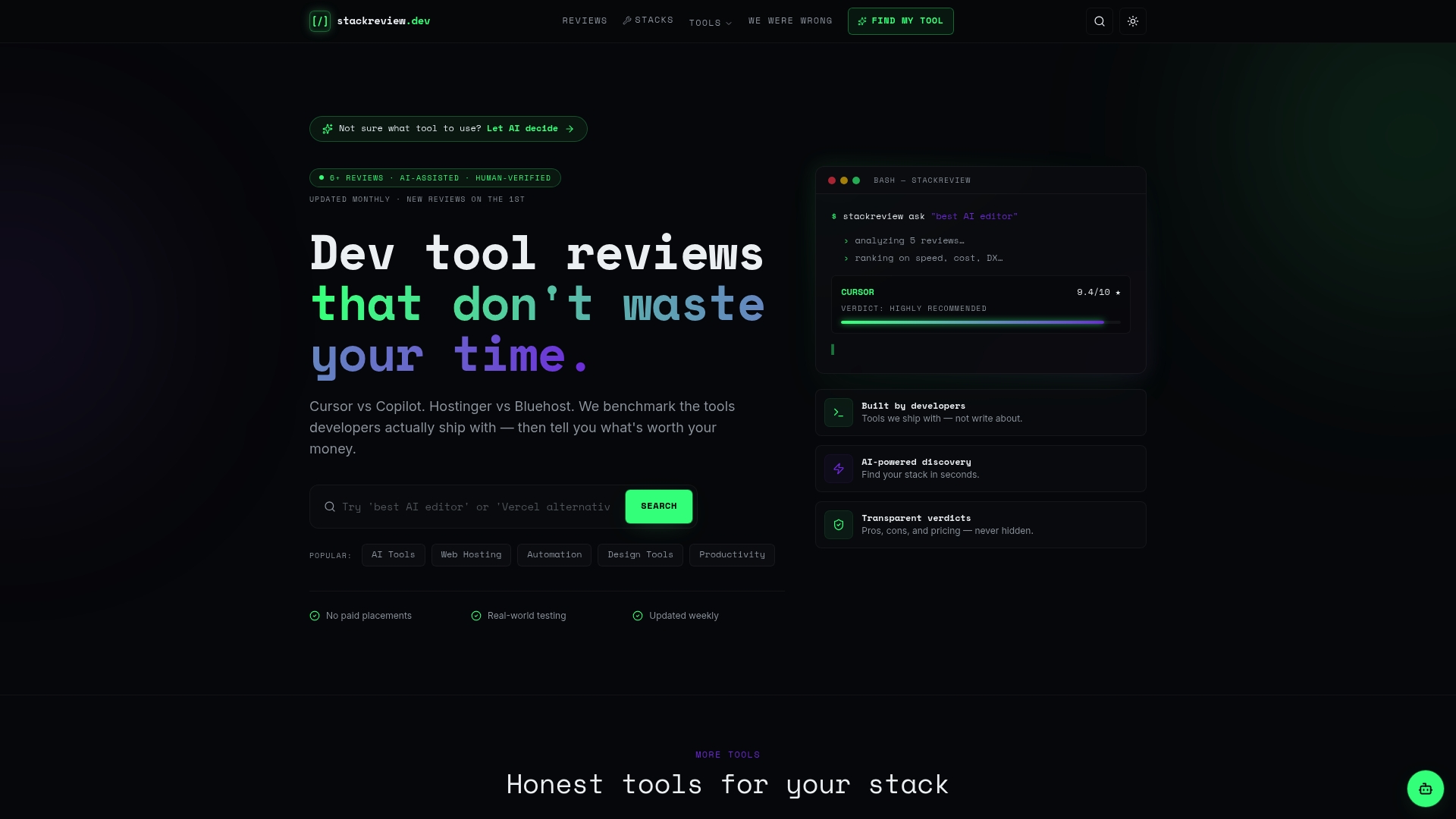
Stackreview tests collaborative design tools the way your team actually uses them, not the way vendors demo them. Every review on Stackreview covers real pricing structures, actual collaboration performance, and honest limitations without paid placements or sponsored rankings. If you manage a design team and need to compare design software before committing to a license, the Stackreview for Teams resource gives you side-by-side breakdowns matched to team size and workflow phase. For teams that want a faster shortlist, the AI-powered tool matcher narrows your options based on your project type and collaboration requirements in under two minutes.
FAQ
What is the best collaborative design tool in 2026?
Figma is the most widely adopted tool, used by 80% of Fortune 500 design teams for real-time collaboration and developer handoff. For ideation and workshops, Miro is the stronger choice.
How does Penpot compare to Figma for small teams?
Penpot is free to self-host and gives small teams full data control, but it shows real-time lag past 15 editors and has a thinner plugin ecosystem than Figma.
Should design teams use one tool or a multi-tool stack?
Most mature teams benefit from a two-tool approach, using Miro for open brainstorming and Figma for detailed design and handoff. Relying on one tool for all phases typically causes workflow inefficiencies.
What integrations should a collaborative design tool support?
At minimum, your design platform should connect to Slack for communication and Notion or Confluence for documentation. Skipping these integrations is a leading cause of broken cross-functional workflows.
Is Framer worth using for design teams?
Framer is worth the investment if your team needs a design-to-code pipeline that exports clean React code. For teams focused on mockups and handoff only, Figma covers the need at a lower complexity cost.