
Code deployment tools for solo developers are software solutions that automate releasing code updates to production, cutting manual overhead and eliminating the need for a dedicated DevOps team. Working alone means every failed push costs you real time and real money. The right continuous deployment setup, what the industry calls CI/CD (Continuous Integration and Continuous Delivery), turns a fragile manual process into a repeatable, reliable one. Tools like GitHub Actions, Deploynix, and Runway now make that possible on a freelancer's budget, with zero-config options that would have required a full ops team just three years ago.
1. What makes the best code deployment tools for solo developers
The best deployment tools share a specific set of traits that matter when you are the only person responsible for keeping production alive.
One-command or zero-config deployment is non-negotiable. You should not spend an afternoon writing YAML to ship a bug fix. Tools like EZKeel and Vibe-Deploy auto-detect frameworks including Next.js, FastAPI, Go, Rust, and Rails across 16+ languages and runtimes, so setup takes minutes rather than hours.

Built-in CI/CD orchestration with instant rollback separates good tools from great ones. The industry standard in 2026 combines GitHub Actions for pipeline orchestration with platforms that support zero-downtime deployments and rollbacks as fast as one second via symlink swaps. That speed matters when a broken build hits production at 2 a.m.
Cost efficiency is where solo developers consistently get burned by the wrong choice. You can host multiple apps on a single VPS for $4 to $6 per month when you use lightweight deployment managers that handle SSL, routing, and containerization automatically. Managed SaaS platforms often charge ten times that for equivalent workloads.
Other features worth prioritizing:
- Automated SSL certificate provisioning and renewal
- Environment variable and secrets management built in
- Support for the frameworks you actually use, not just Node.js
- Integration with automated testing and code quality checks
- No platform lock-in, so you own your infrastructure
Pro Tip: Before committing to any deployment tool, check whether it supports your primary framework out of the box. Retrofitting support later adds friction that compounds over every future project.
2. EZKeel and Vibe-Deploy: one-command GitHub-to-server deployment
EZKeel is a CLI tool built specifically for solo developers who want to push from GitHub to their own server without touching a config file. It auto-detects your stack and handles the full deployment chain. Vibe-Deploy extends this concept with an AI-aware layer that reads your error logs and suggests fixes when a deployment fails, which is a direct answer to the reality that AI-generated code often lacks solid deployment configuration.
Both tools target the same pain point: you wrote the code, you pushed to GitHub, and you want it live without writing infrastructure scripts. The tradeoff is that you need a VPS to deploy to, but that cost is minimal compared to managed platforms.
3. Deploynix: affordable multi-app hosting for freelancers
Deploynix is purpose-built for deployment tools for freelancers who manage multiple client projects on a single server. It handles SSL, reverse proxy routing, and containerization automatically, letting you run three or more client apps on one VPS at a fraction of what platforms like Heroku or Render charge.
The platform lock-in argument is real: owning your VPS infrastructure gives you full control over pricing and features. When a SaaS platform changes its pricing model or deprecates a feature, you absorb the impact. With Deploynix on your own $5 VPS, you do not.
4. GitHub Actions: the CI/CD backbone for solo coders
GitHub Actions is the most widely adopted CI/CD orchestrator for solo developers because it lives inside the repository you already use. You define workflows in YAML, and GitHub runs them on every push, pull request, or scheduled trigger. It connects to virtually every deployment target, from bare VPS to cloud functions.
The real power is composability. You can chain testing, linting, building, and deploying into a single workflow that runs without your involvement. Pair it with a fast-rollback platform and you have a production pipeline that rivals what larger teams operate. For best tools for solo coders who want maximum flexibility without paying for a separate CI platform, GitHub Actions is the default starting point.
5. Runway: zero-downtime deployments with one-second rollback
Runway solves the specific problem of deployment anxiety. Its rollback mechanism uses symlink swaps and versioned releases to recover from a bad push in approximately one second. That is not a marketing claim. It is a direct consequence of the architecture: instead of rebuilding and redeploying, Runway points the live symlink back to the previous release.
For a solo developer without an ops team, fast rollback capability is the difference between a five-minute incident and a two-hour debugging session. Zero-downtime deployment also means your users never see a 502 during a push, which matters for client-facing projects.
6. Code Studio by Syncfusion: AI-assisted multifile task automation
Code Studio by Syncfusion brings AI assistance directly into the development and deployment workflow. It handles multifile task automation, meaning it can coordinate changes across multiple files and push them through a pipeline without manual intervention for each step.
This tool fits solo developers who work on larger codebases where a single feature touches many files simultaneously. The AI layer reduces the coordination overhead that normally requires a team. It is not a pure deployment tool, but it closes the gap between writing code and shipping it.
7. SoloFounder AI: specialized AI roles with quality gates
SoloFounder AI takes a different approach by assigning specialized AI roles like React Specialist and DevOps Architect to review code before it deploys. Each role enforces quality gates, including test-driven development checks, that catch broken builds before they reach production.
The insight behind this tool is that solo founders benefit from AI agents that act as a virtual team rather than a single generalist assistant. A React Specialist reviewing your component logic catches different issues than a DevOps Architect reviewing your deployment config. This separation of concerns is what makes the quality gate model effective for automated deployment for indie developers.
Pro Tip: Use SoloFounder AI's review gates as a pre-deployment checklist replacement. If a specialized role flags an issue, treat it with the same weight you would give a senior engineer's code review.
8. Comparing deployment tools: cost, ease of use, and automation
Choosing the right tool comes down to three variables: what you can afford, how much configuration you want to manage, and how much automation you need baked in.
| Tool | Pricing model | Rollback speed | Best for |
|---|---|---|---|
| EZKeel / Vibe-Deploy | Free + VPS cost ($4-6/mo) | Depends on VPS setup | Zero-config GitHub-to-server deploys |
| Deploynix | Free tier + VPS cost | Fast via containerization | Freelancers hosting multiple client apps |
| GitHub Actions | Free for public repos; usage-based | Pipeline-dependent | CI/CD orchestration across any target |
| Runway | Open source + VPS cost | ~1 second via symlink | Zero-downtime production deployments |
| Code Studio (Syncfusion) | Subscription-based | N/A (dev tool) | AI-assisted multifile automation |
| SoloFounder AI | Open source | Pre-deploy (quality gates) | AI-role-based review and orchestration |
The pattern here is clear: open source tools paired with a budget VPS deliver the most control at the lowest cost. Subscription tools like Code Studio add AI capability but introduce recurring costs. The right combination depends on your project volume and how much you value AI assistance over manual review.
9. Which tool fits your specific situation
Different solo developer scenarios call for different tools. Here is how to match your situation to the right choice.
- Budget-conscious freelancers managing multiple client apps: Deploynix on a $5 VPS handles SSL, routing, and containerization for all of them at once.
- Developers who want minimal setup: EZKeel or Vibe-Deploy auto-detect your framework and deploy in one command. No YAML required.
- Solo coders integrating AI workflows: SoloFounder AI with specialized role-based review gates reduces broken builds before they reach production.
- Developers prioritizing infrastructure control: Own your VPS and use GitHub Actions as the orchestrator. Avoiding platform lock-in protects you from SaaS pricing changes.
- Anyone who has been burned by a bad production push: Runway's one-second rollback is the fastest recovery mechanism available for solo deployments.
- Polyglot developers working across frameworks: EZKeel's support for 16+ runtimes means you do not need a different deployment setup for each project.
10. Expert tips for smarter deployment as a solo developer
The most common mistake solo developers make is reaching for Kubernetes or complex container orchestration when a single VPS with lightweight tools handles their actual workload more efficiently and at lower cost. Kubernetes is built for teams managing hundreds of services. You are managing three.
A few practices that separate experienced solo deployers from frustrated ones:
- Treat rollback speed as a first-class requirement, not an afterthought. Tools offering near-instant rollback via symlink swap are worth prioritizing even if other features are slightly weaker.
- Use an AI-aware deployment layer if you rely heavily on AI-generated code. These layers analyze error logs and suggest fixes automatically, cutting debugging time significantly.
- Combine GitHub Actions with a simple rollback-capable platform rather than using a single monolithic deployment tool. The combination gives you flexibility without complexity.
- Revisit your tool stack every six months. The solo developer software tools market moves fast, and a better option at lower cost may have shipped since your last evaluation.
Pro Tip: Set up a staging environment on the same VPS as production using a subdomain. It costs nothing extra and gives you a real deployment target to test against before pushing to live.
Key takeaways
The most effective code deployment setup for solo developers combines a lightweight VPS, a zero-config deployment tool, and a fast rollback mechanism, all at under $10 per month.
| Point | Details |
|---|---|
| Cost efficiency is achievable | Host multiple apps on a single VPS for $4 to $6 per month using tools like Deploynix. |
| Rollback speed determines risk | Tools like Runway recover from bad deployments in approximately one second via symlink swap. |
| AI roles reduce broken builds | SoloFounder AI's specialized review gates catch errors before they reach production. |
| Avoid over-engineering | A VPS with lightweight tools outperforms Kubernetes for most solo developer workloads. |
| Own your infrastructure | Self-hosted deployment tools protect you from SaaS pricing changes and feature deprecations. |
What I have learned from deploying alone for years
The honest truth about how to deploy code alone is that the tooling is not your biggest problem. Your biggest problem is the false belief that a more complex setup equals a more reliable one. I spent months configuring a Docker Swarm setup for a project that a single Deploynix instance on a $6 VPS would have handled without breaking a sweat.
The shift that actually improved my deployment confidence was treating rollback as the primary feature, not an edge case. Once I had Runway in place and knew I could recover from any bad push in under two seconds, I started shipping faster. The fear of breaking production was the bottleneck, not the code itself.
AI integration is genuinely useful here, but only when it is applied at the right layer. Using AI coding tools to write code and then ignoring the deployment configuration is where most solo developers get into trouble. The AI-aware deployment layer in Vibe-Deploy addresses exactly that gap. It is not magic, but it is a real time saver when a misconfigured environment variable breaks a build at midnight.
My recommendation: start with GitHub Actions plus a VPS-based tool like Deploynix or Runway, get comfortable with that stack, and then layer in AI assistance once you understand what is happening under the hood. Complexity added before understanding is just debt.
— Alpha
Find the right deployment tool without the guesswork
Choosing between six deployment tools when you are already stretched thin as a solo developer is exactly the kind of decision that should not take hours of research. Stackreview tests these tools against real workloads and publishes the results without paid placements or vendor influence.
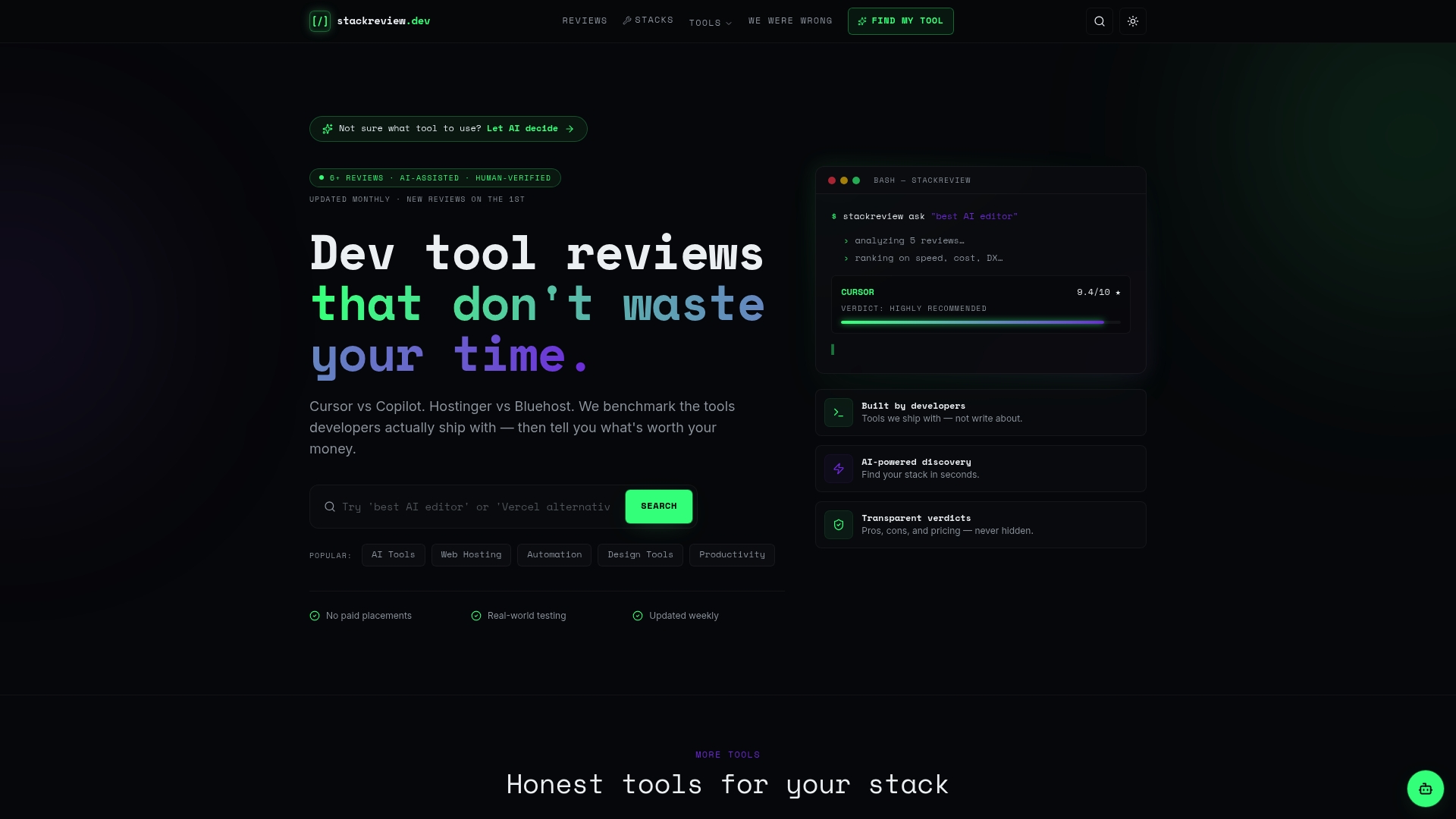
The solo developer stack page on Stackreview breaks down proven tool combinations for developers managing their own infrastructure. For unfiltered takes on what actually works versus what is overhyped, the developer tool confessions section is where solo developers share their honest experiences. If you are planning to scale beyond solo work, the teams section covers tool options that grow with you.
FAQ
What are the best free deployment tools for solo developers?
GitHub Actions, EZKeel, Runway, and SoloFounder AI are all open source or free to use. You pay only for the VPS they run on, typically $4 to $6 per month.
How does CI/CD for solo developers differ from team setups?
CI/CD for solo developers prioritizes simplicity and low maintenance over scalability. A single GitHub Actions workflow connected to a VPS-based deployment tool covers most solo workloads without the complexity of multi-environment pipelines.
Can I host multiple client apps on one server?
Yes. Tools like Deploynix handle SSL, routing, and containerization automatically, letting you run three or more apps on a single $5 VPS with minimal configuration.
How fast should a rollback be for production deployments?
Rollback times of approximately one second are achievable using symlink-based tools like Runway. Anything slower than 30 seconds increases the risk of user-facing downtime during a bad push.
Do I need AI-assisted deployment tools as a solo developer?
Not always, but they add real value if you rely on AI-generated code. AI-aware deployment layers like Vibe-Deploy analyze error logs and suggest fixes automatically, reducing the time you spend debugging failed deployments.